Vimar ELVOX 46XVR Bedienungsanleitung
Vimar Nicht kategorisiert ELVOX 46XVR
Lies die bedienungsanleitung für Vimar ELVOX 46XVR (4 Seiten) kostenlos online; sie gehört zur Kategorie Nicht kategorisiert. Dieses Handbuch wurde von 16 Personen als hilfreich bewertet und erhielt im Schnitt 5.0 Sterne aus 9 Bewertungen. Hast du eine Frage zu Vimar ELVOX 46XVR oder möchtest du andere Nutzer dieses Produkts befragen? Stelle eine Frage
Seite 1/4
Viale Vicenza, 14
36063 Marostica VI - Italy
www.vimar.com
49401810A0 01 2209
46XVR.ES04 - 46XVR.ES08
1 - Introduction
1.1 - Summary
Series of multi-technology DVRs, allow to select the input technology for each
single channel, selectable between: AHD, CVBS, IP, TVI and CVI. They are able
to manage and record cameras up to 5Mpx in H.264 and H.265 compression,
available in 4 and 8 channel versions.
2 - Basic Operation Guide
2.1 - Startup & Shutdown
Please make sure all the connections are done properly before you power on the
unit. Proper startup and shutdown are crucial to expending the life of your device.
2.1.1 - Startup
1- Connect the output display device to the VGA/HDMI interface of the DVR.
2 - Connect with the mouse and power on. The device will boot and the power
LED would turn blue.
3 - A WIZARD window will pop up (you should select the display language the
rst time you use the DVR). Refer to 3.1 Startup Wizard for details.
2.1.2 - Shutdown
1 - Click Start Shutdown to pop up the Shutdown window. Select
“Shutdown” in the window. The unit will power o after a while by clicking
“OK” button.
2 - Disconnect the power.
1 - Introduzione
1.1 - Riepilogo
Gamma di DVR multi-tecnologia, permettono di selezionare la tecnologia di
ingresso per ogni singolo canale, selezionabile tra: AHD, CVBS, IP, TVI e CVI.
Sono in grado di gestire e registrare telecamere no a 5Mpx in compressione
H.264 e H.265, disponibili nelle versioni 4 e 8 canali.
2 - Guida all’utilizzo di base
2.1 - Avvio e spegnimento
Prima di collegare l’unità all’alimentazione, vericare che tutti i collegamenti
siano stati eseguiti correttamente. Un corretto avvio e arresto è estremamente
importante per la durata del dispositivo.
2.1.1 - Avvio
1 - Collegare il dispositivo di visualizzazione all’interfaccia VGA/HDMI del DVR.
2 - Collegare il mouse e accendere. Il dispositivo si avvia e il LED di alimentazione
diventa blu.
3 - Comparirà una procedura guidata (selezionare la lingua la prima volta che si
utilizza il DVR). Per ulteriori dettagli, fare riferimento a 3.1 Procedura guidata
per l’avvio.
2.1.2 - Spegnimento
1 - Fare clic su Start Shutdown (arresto) e comparirà la nestra di arresto.
Selezionare “Shutdown” (“Arresto”) all’interno della nestra. Dopo un
momento di attesa, l’unità si spegnerà facendo clic sul pulsante “OK”.
2 - Scollegare l’alimentazione.
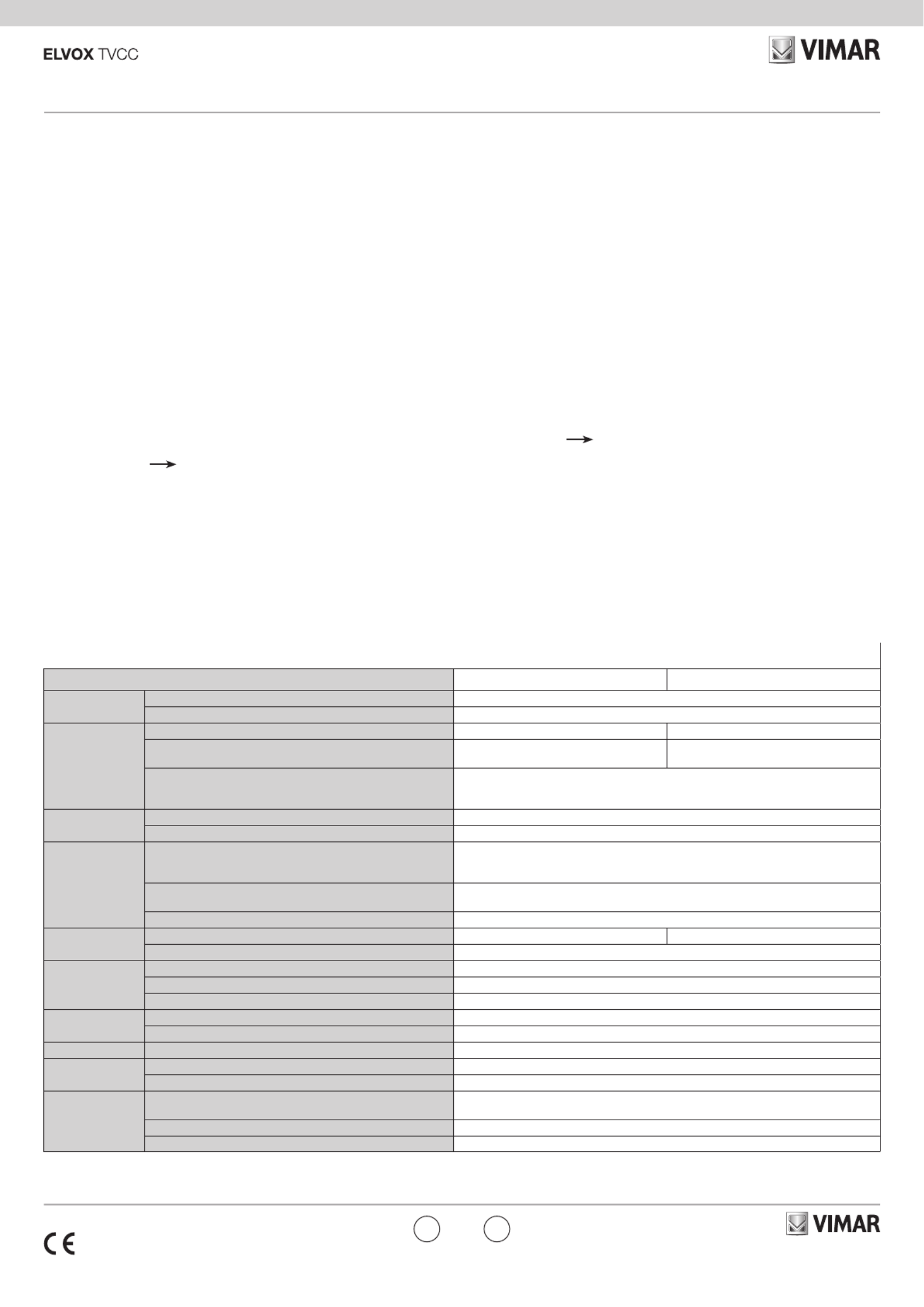
Speciche / Specications
Modello46XVR.ES04 46XVR.ES08
Sistema
Sistem
Compressione / CompressionStandard H.264 / H.265
CPU Cortex A9
Video
Ingressi / InputBNC x 4BNC x 8
Telecamere IP / IP camera2 in aggiunta alle 4 telecamere analogiche
2 in addition to the 4 analog cameras
4 in aggiunta alle 8 telecamere analogiche
4 in addition to the 8 analog cameras
Uscita Monitor / Monitor Output
HDMI x 1: 1920 x 1080 / 1280 x 1024 / 1024 x 768
VGA x 1:1920 x 1080 / 1280 x 1024 / 1024 x 768
BNC x 1 : MAIN o SPOT
Audio Ingressi / InputRCA x 1
Uscite / OutputRCA x 1
Registrazione
Record
Risoluzione di registrazione / Record resolution
5MP Lite 10fps
4MP Lite/1080p 12fps
1080p Lite/720p/WD1 25fps
Risoluzione di registrazione telecamere IP /
Record resolution IP camera5MP 25 fps
Bit rate32 Kbps ~ 4 Mbps
Play BackRiproduzione / Playback4 CH8 CH
Ricerca / SearchOra/ricerca per calendario/evento (sensore, movimento)
Allarmi
Alarm
Modalità / ModeSensore, movimento, perdita video / Sensor, Motion, Video Loss
Ingressi / InputNo
Uscite / OutputNo
Rete
Network
Interfaccia / Interface RJ45 100M x 1
Protocollo / ProtocolTCP/IP, UDP, DHCP, DNS, PPPOE, DDNS
Memoria/Storage HDD SATA x 1
Porte
Port
RS485 RS485 x 1
USB 2 USB 2.0
Altro
Others
Alim./ Consumo
Power Supply / Consumption12Vdc < 15 W
Dimensioni / Dimensions255 x 222 x 42 mm (WxDxH)
Ambiente di esercizio / Work Environment- 10 °C ~ 50 °C, 10 % ~ 90 % umidità / humidity
ENIT
Produktspezifikationen
| Marke: | Vimar |
| Kategorie: | Nicht kategorisiert |
| Modell: | ELVOX 46XVR |
Brauchst du Hilfe?
Wenn Sie Hilfe mit Vimar ELVOX 46XVR benötigen, stellen Sie unten eine Frage und andere Benutzer werden Ihnen antworten
Bedienungsanleitung Nicht kategorisiert Vimar

6 März 2026
13 Februar 2026
10 Oktober 2025
10 Oktober 2025
9 Oktober 2025
26 September 2025
24 September 2025
23 September 2025
23 September 2025
23 September 2025
Bedienungsanleitung Nicht kategorisiert
Neueste Bedienungsanleitung für -Kategorien-
3 April 2026
3 April 2026
3 April 2026
3 April 2026
3 April 2026
3 April 2026
3 April 2026
3 April 2026
3 April 2026
3 April 2026